 Honeycomb Maps Docs
Settings
The Settings pane within the sidebar allows you to configure how the map appears and behaves when saved (for more information see Save Map)
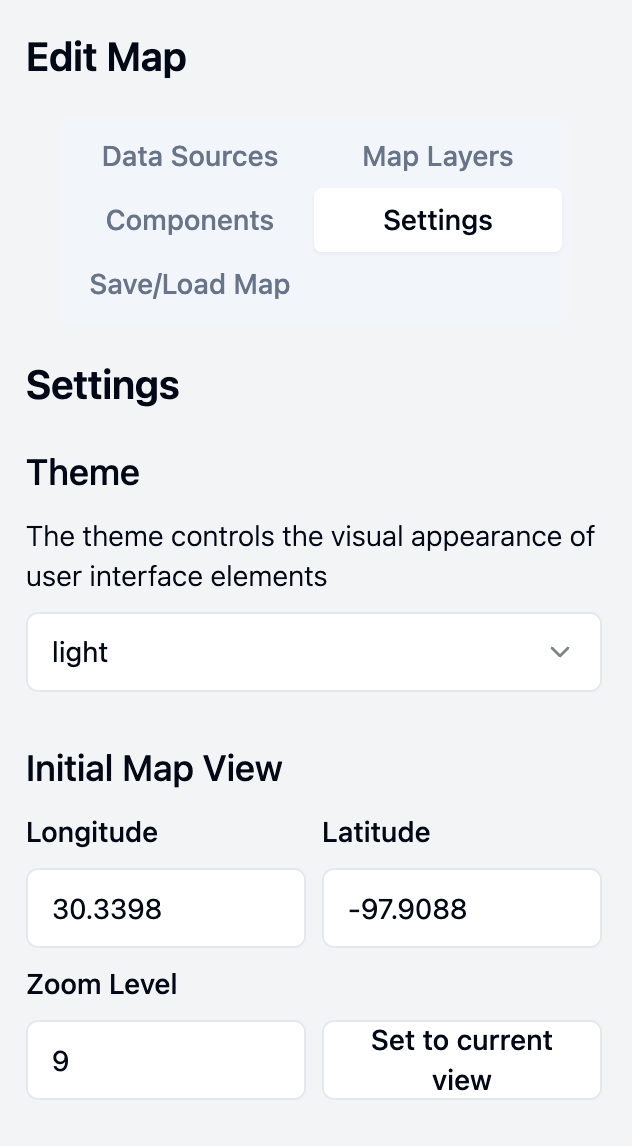
Configuration Options
Theme
The theme option controls the visual appearance of user interface elements. The options are light (default) or dark. The dark theme is ideal for reducing eye strain at night.
Initial Map View
The initial map view option controls where the map is centered when a saved map is loaded. The 'Set to current view' button sets this to where the map is currently positioned.
By default, maps will attempt to center their first dataset. This option allows you to override this and set a custom map view, useful for map dashboards which are designed for a certain area.
Save Active Filters with Map
This toggle allows you to preserve active filters when the map is saved. With this option enabled, when the map is loaded later it will already have the filters enabled with their current values. This can be useful if you want to share a specific state of a map.